 Sey
SeyAccount
Account settings are personal to you and separate from your workspace. Open Account from the dashboard to manage them.
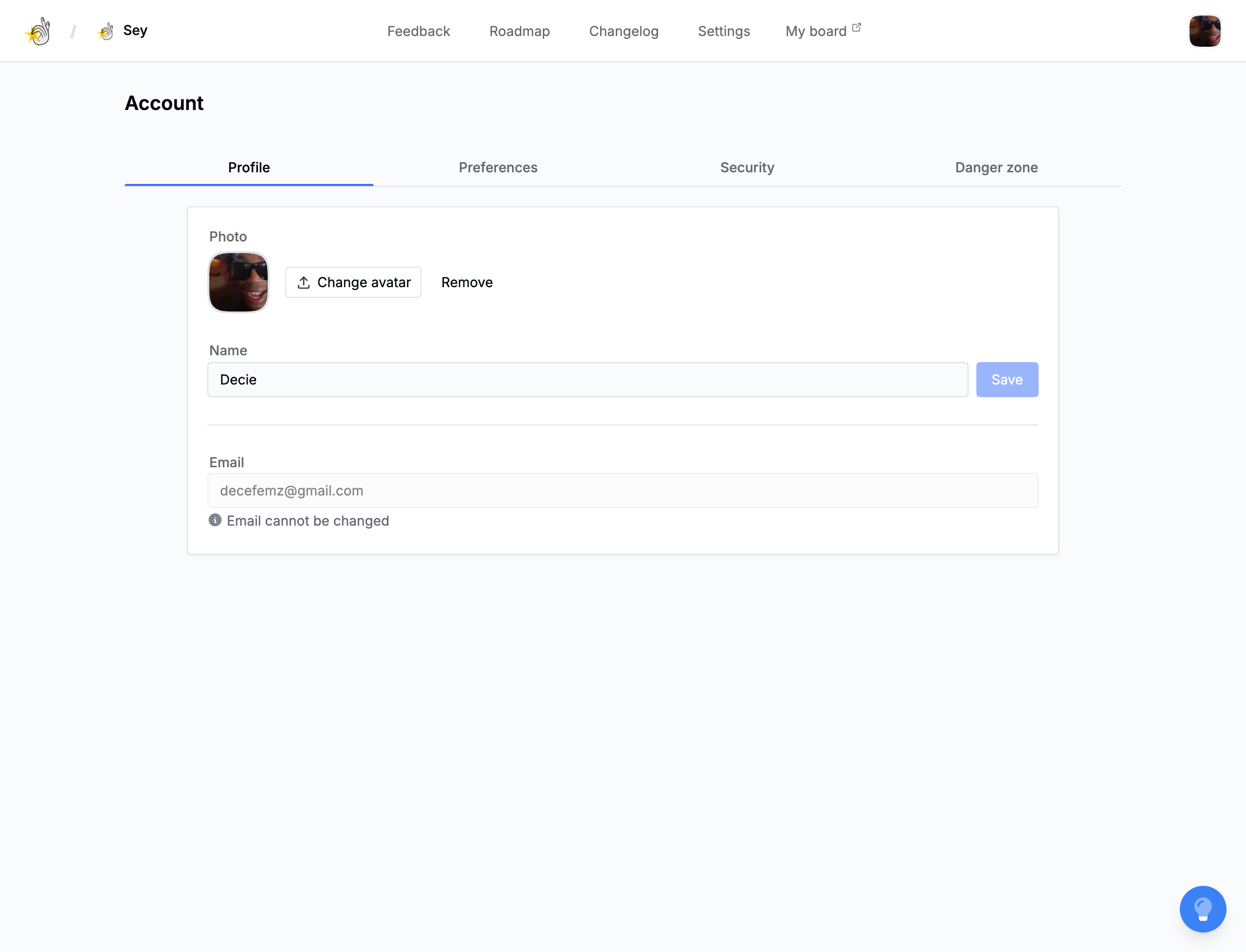
Profile
Set your name and avatar. The avatar uses a crop dialog. Your email is shown but cannot be changed here; contact support to change the email on your account.
Preferences
Choose your appearance theme: light, dark, or system. This controls the dashboard only and is separate from your workspace's portal theme.
Security
Change your password and revoke other active sessions. Revoking sessions signs you out of every other device without affecting the one you are using.
Danger zone
Delete your account from the danger zone. You must type DELETE to confirm. Sey sends a verification email before the deletion is finalized, and an optional password can be required.
Deleting your account updates linked participant records on the portal side.