 Sey
SeyChangelog
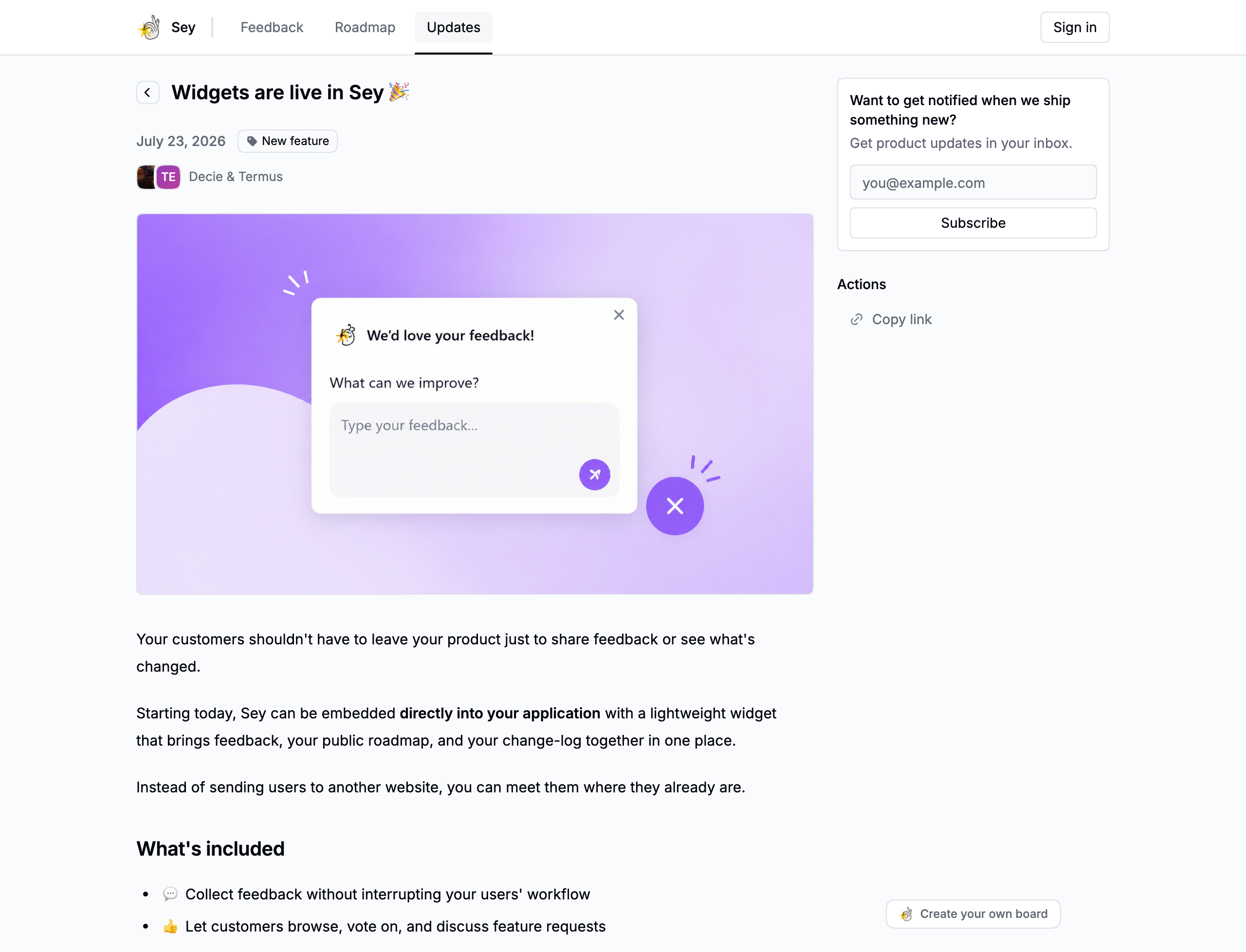
The changelog is where you share what shipped. Posts appear on your portal's updates page, and customers can subscribe to be notified of new ones.
Drafts, scheduled, and published
A changelog post has one of three states, derived from its publish time:
- Draft - has no publish time and is not visible on the portal.
- Scheduled - has a publish time in the future. It publishes automatically when the time arrives.
- Published - has a publish time in the past and is visible on the portal.
Drafts and scheduled posts are only visible in the dashboard.
Authors
A changelog post can have one or more authors from your workspace. Authors are shown on the published post.
Tags
Changelog tags are workspace-scoped and separate from feedback tags. Use them to group updates by area, such as Improvements or Fixes. Manage tags in Settings → Portal.
Cover image
A cover image is optional. It appears at the top of the published post and in the updates list.
Publishing and notifications
Publishing a post sends an in-app notification to every non-member participant, and it appears on the portal updates page. Email is sent only to participants who have enabled email for changelog posts. Scheduled posts are sent automatically by Sey when their publish time arrives.