 Sey
SeyFeedback boards
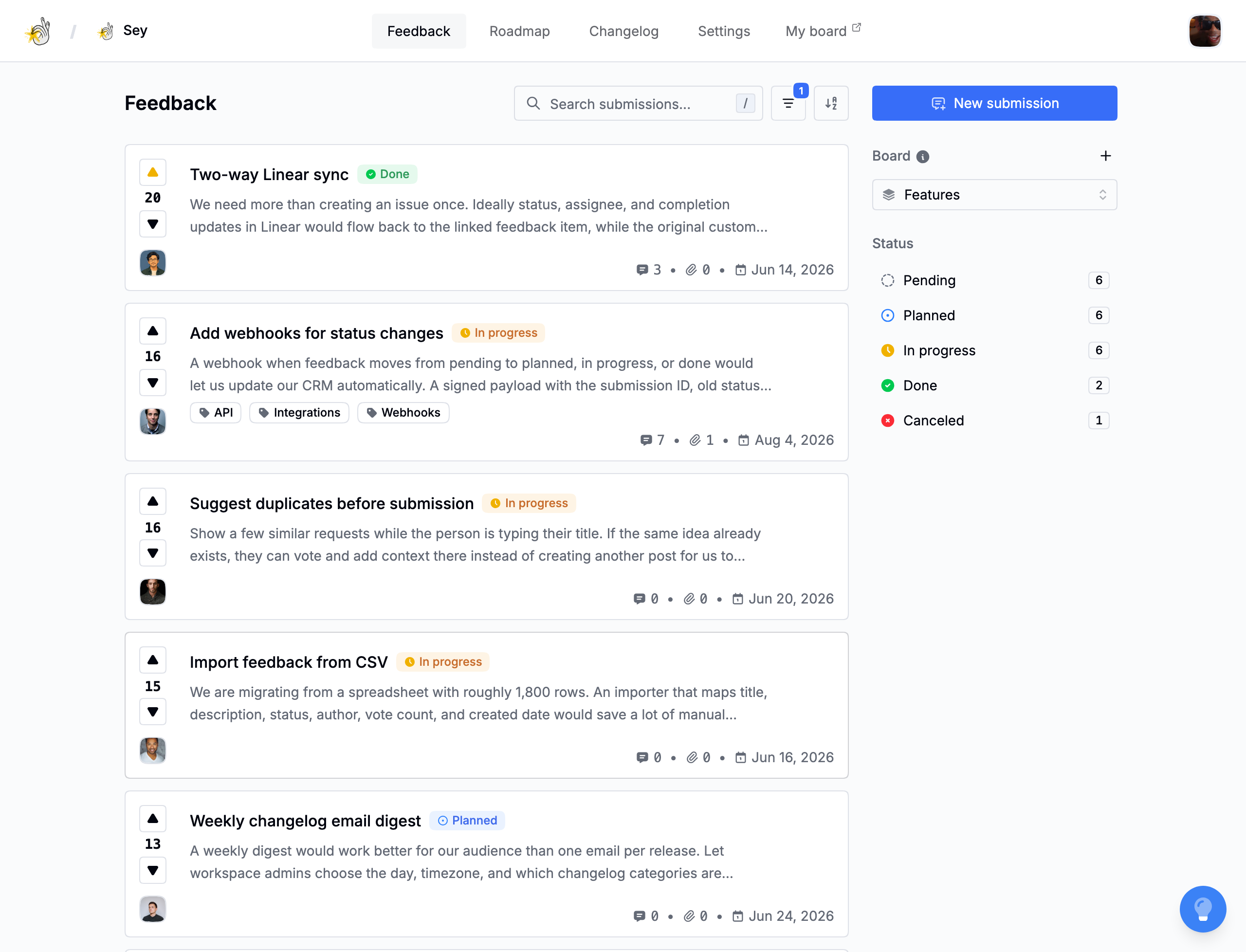
Boards group related feedback. Each workspace starts with two public boards, Bugs and Features, and you can add more as your product grows.
Create a board
- Open Feedback in the dashboard.
- Select the board filter, then Create board.
- Enter a name. Board names are unique per workspace.
- Choose whether the board is private.
- Select Create.
Public and private boards
- Public boards and their feedback can be viewed by anyone who can reach the portal or widget.
- Private boards are hidden from the public portal and widget. Use them for feedback that should only be managed by workspace members in the dashboard.
Private boards require a plan that includes them. See Billing and plans.
Delete a board
A board cannot be deleted while it still has submissions, and a workspace must always keep at least one board. Move or remove its feedback first, then delete the board from the board filter.
The number of boards you can keep at once is limited by your plan. If creating another board would exceed the limit, Sey asks you to remove a board or upgrade.