 Sey
SeyWelcome to Sey
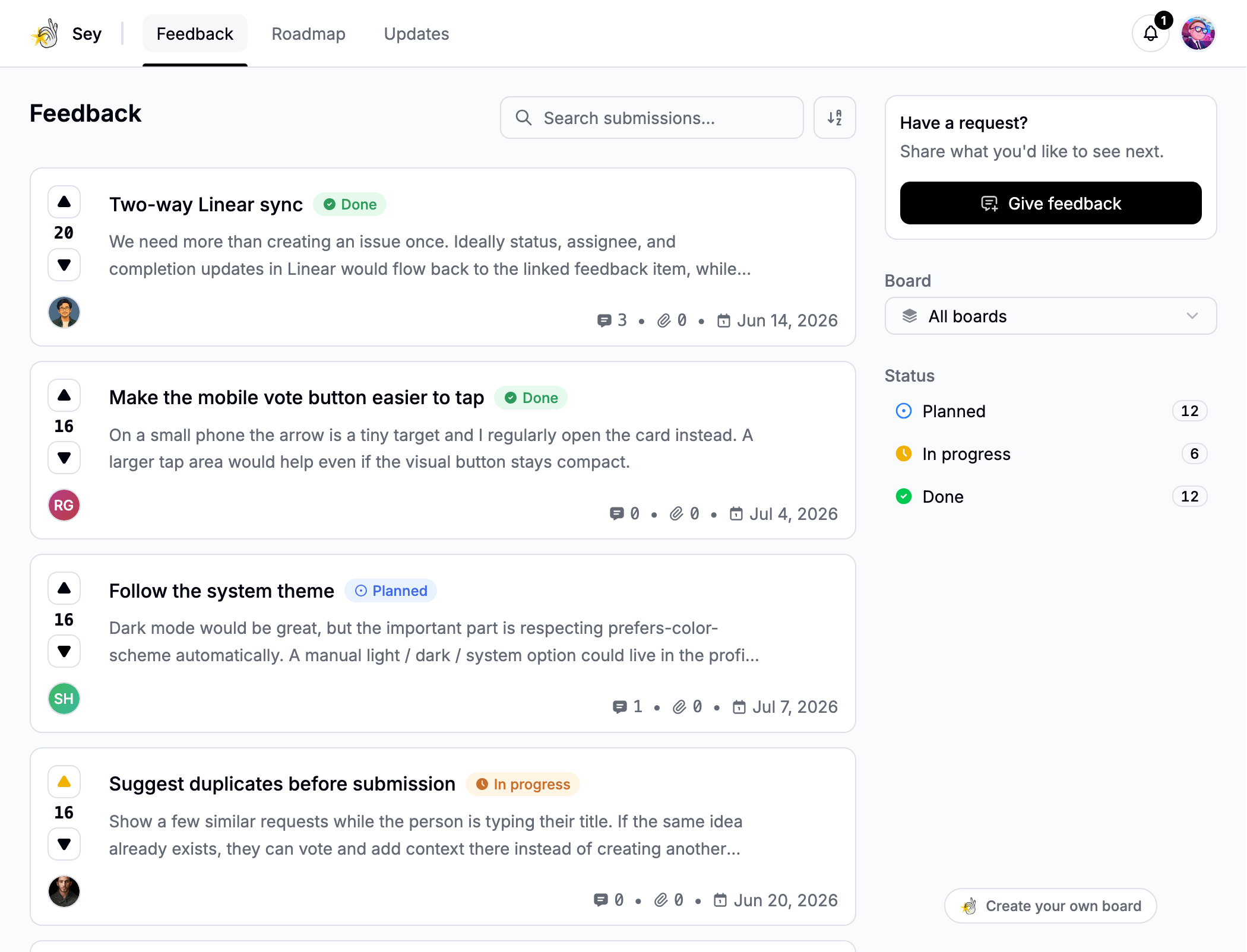
Sey gives your team one place to collect feedback, show what you are building, and share what ships. Start with one feedback board and add the roadmap, changelog, and widget when you need them.
Create your workspace
- Create a Sey account.
- Enter your workspace name and choose the slug used for its default portal address.
- Add an avatar if you have one.
- Select Create workspace.
Sey seeds your workspace with two public boards, Bugs and Features, and a starter set of tags, so you can collect a test submission immediately. Your default public portal is available at https://your-slug.sey.so.
Test the feedback loop
Open the workspace's public portal and submit one piece of test feedback. In the Sey dashboard, open Feedback to confirm it arrived, then move it through a status as work progresses.
Quickstart walks through the full loop end to end. To collect feedback inside your product instead, install the widget.
Choose how customers reach Sey
Share the generated portal address when customers can leave your product to give feedback. To collect feedback inside your product, install the widget.
See Public portal to control public content, branding, and domains.
Where to go next
- Quickstart - submit, status, and ship one piece of feedback.
- Invite your team - add the people who will triage and publish.
- Feedback boards - public and private boards.
- Manage feedback - statuses, tags, search, and following.
- Widget install - embed feedback in your product.